Teach the assistant how your district works so every answer sounds like it came from your team.
What it does
Everything you save on the AI Context page rides along with every AI conversation your staff has - the assistant reflects your philosophy, routines, and terminology instead of generic advice.
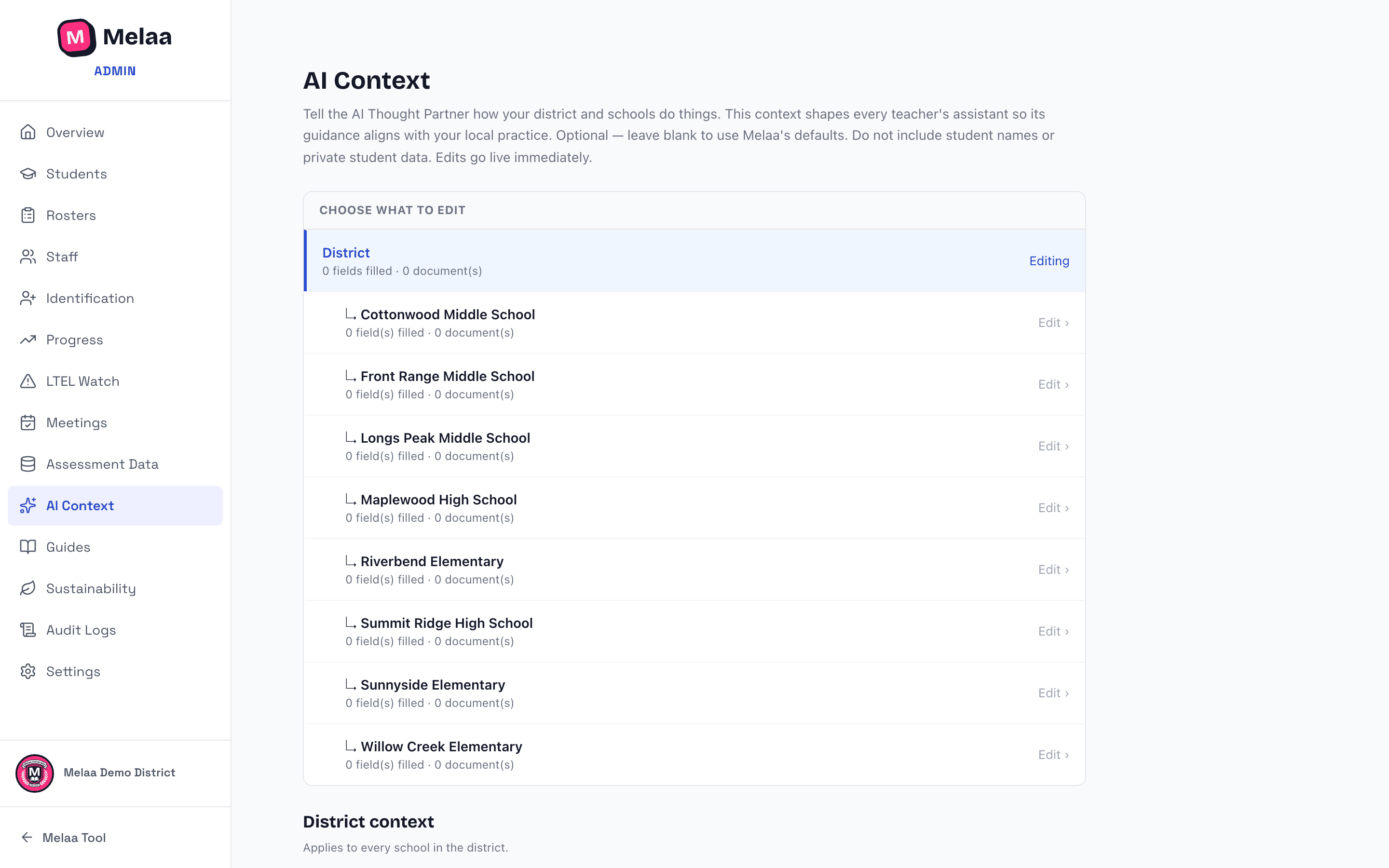
Pick what to edit from the list at the top: District context applies to everyone, and each school (indented beneath it) can layer its own context on top. Each row shows how much is filled in so far.
Philosophy around multilingual learners - how your district thinks about and prioritizes ML/EL students.
School / organization philosophy and Mission & vision - your broader instructional identity.
"How we do things here" - lesson-plan formats, routines, protocols the assistant should follow.
"Anything else the assistant should know" - local terminology, priorities, always/never guidance.
Plus your state/assessment consortium and the instructional models you use (checkboxes).
Context documents
Upload documents (curriculum overviews, program handbooks) for the assistant to reference.
Delete anything that goes stale - context only helps while it's true.
AI Context editor (Melaa Demo District, fictional data)
Never put student names or records in AI context. It's for how your district works, not who your students are - student data reaches the AI only through the protected, name-scrubbed pipeline.