Every way to get Melaa data onto paper or into a spreadsheet, in one place.
Student-facing reports
Per student: profile → "Download CAN DO report" - a printable report of what the student can do at their levels, with optional next-level goals and score history.
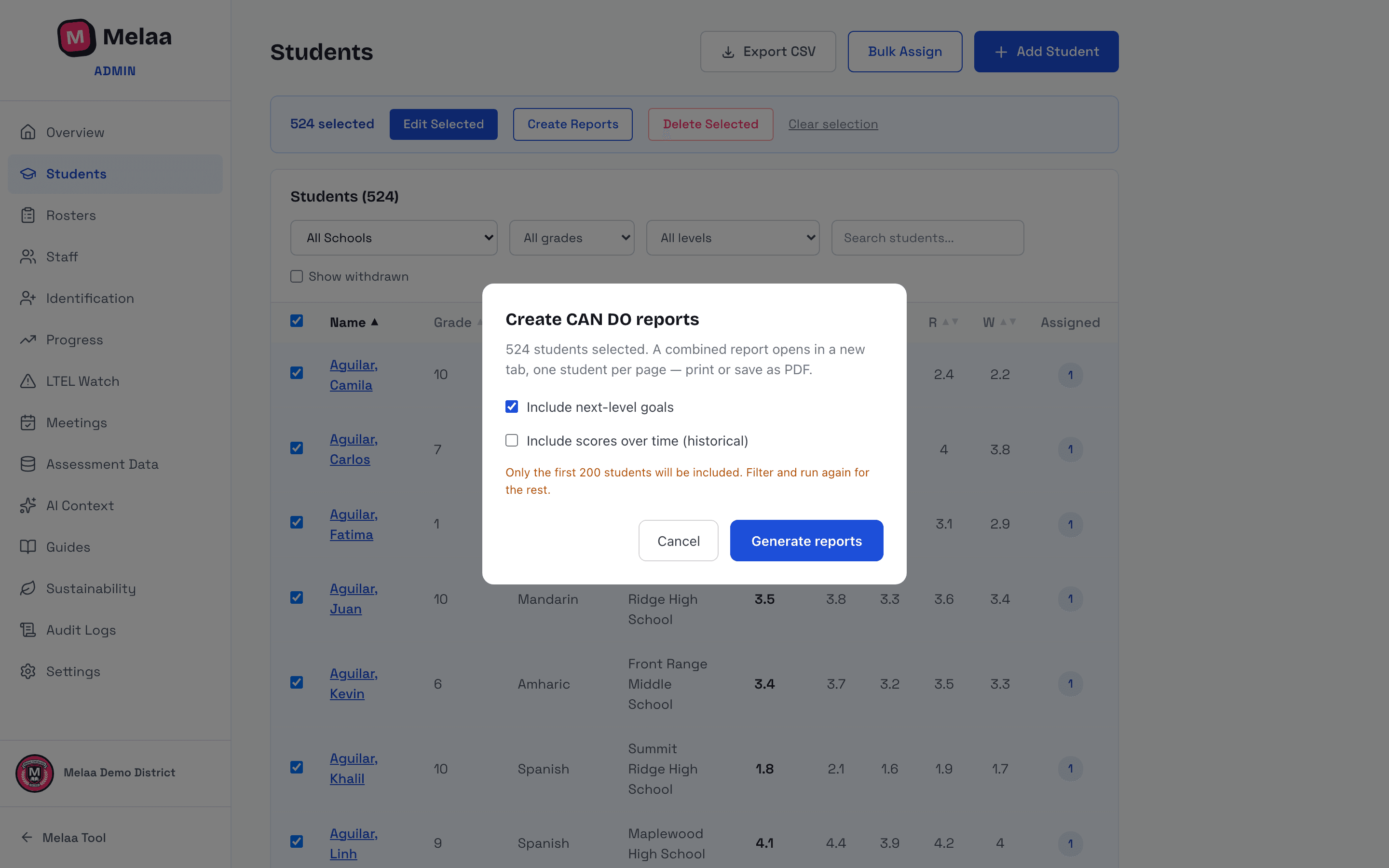
In batch: Students → select rows → "Create Reports" builds one document covering up to 200 students with the same options.
ELD plans and family letters each have their own print views (see those guides).
Spreadsheet exports
Students → Export CSV - the full roster with current scores.
A student's profile → Export current year / Export change over time - that student's score history as CSV.
Overview → Download CSV on any band (population, growth distribution, long-term MLs, academic medians).
Progress → the Exports card: accommodations roster for test coordinators, plus a state-labeled EL/ML roster extract and monitoring report (Colorado's are the October Count extract and FEP monitoring report).
Monitoring rows in every state offer a per-student redesignation Packet - the printable body-of-evidence record.
Bulk toolbar and report options (Melaa Demo District, fictional data)